What skills does a graphic designer need?
Graphic designer skills fall into two groups. Technical skills are the craft: typography, colour, layout, image editing and knowing the software well enough that it never slows you down. Professional skills are how you work with people: understanding a brief, taking feedback, meeting deadlines and explaining your decisions.
Technical skill gets you shortlisted. Professional skill gets you rehired, referred and promoted. Most design courses spend nearly all their time on the first group, which is why so many capable designers struggle in their first jobs.
| Technical skills | Professional skills |
|---|---|
| Typography: choosing, pairing and spacing type | Client communication |
| Colour: building palettes, contrast, print versus screen | Managing feedback and revisions |
| Layout and grids: hierarchy, alignment, white space | Time management and organisation |
| Software: Illustrator, Photoshop, Figma, InDesign | Presenting work and building a portfolio |
| File preparation: vectors, print bleed, export for web | Business sense and self-promotion |
| Image editing and basic illustration | Continuous learning |
The technical skills to get right first
Before the professional skills matter, the craft has to be solid. If you are early in your career, check yourself against this list:
- You can set a paragraph of body text that is comfortable to read, and pair it with a heading font that suits the brand.
- You can build a palette with enough contrast for text (WCAG asks for at least 4.5:1 for normal-size text) and know why a colour looks different on screen and in print.
- You lay out pages on a grid, and every element lines up with something.
- You deliver a logo as a clean vector with light and dark versions, and you know what bleed and CMYK mean before a file goes to a printer.
- You know one vector tool and one raster tool well. Our guide to graphic design software worth learning explains which.
If any of these are shaky, the graphic design principles every beginner should know are the place to start.
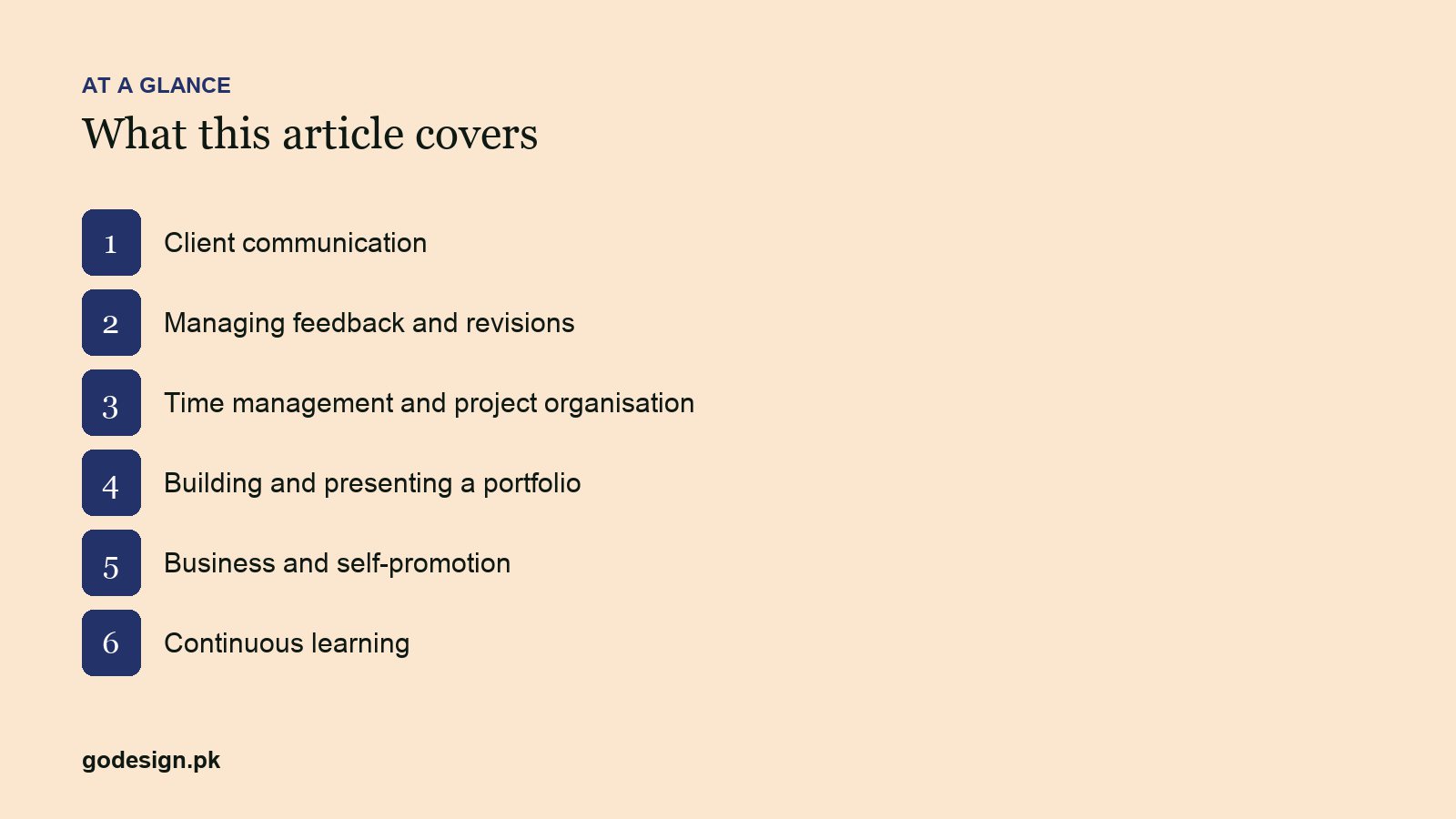
6 skills that make a graphic designer great
1. Client communication
Great designers ask the questions that reveal what the client actually needs: who the customers are, who the competitors are, where the design will be used and what would make the project a success. They explain decisions in plain language, without jargon, and write emails a busy person can act on in one read. Most failed design projects fail on communication, not on talent. A designer who can run a discovery call and write the brief back in their own words is worth far more than one who waits to be told what to draw.
2. Managing feedback and revisions
Feedback usually arrives as a solution ("make it red") when the client is describing a problem ("it feels cold"). The skill is to find the problem and solve that, which may or may not mean red. Good designers present two or three considered directions rather than twenty, agree the number of revision rounds before work starts, and keep feedback in one place. They do not take criticism personally, and they do not give in on decisions that matter without explaining the trade-off once, clearly.
3. Time management and project organisation
Estimating honestly, breaking work into tasks and hitting internal deadlines so nobody is surprised on delivery day. It also means organised files: named layers, clear folders and exported versions labelled so a colleague can pick up the project if you are off sick. Our pieces on a designer's working routine and time management for freelancers cover the habits.
4. Presenting work and building a portfolio
A design that is presented badly gets rejected more often than it deserves. The structure that works: restate the problem, show the solution in context (on a mockup, not a white artboard), explain two or three key decisions, then invite questions. The same skill applies to a portfolio, where a short case study beats a grid of images. See how to build a design portfolio that wins clients.
5. Business sense and self-promotion
Clients buy design to sell something, recruit someone or look credible. A designer who understands that asks better questions and makes better trade-offs. Business sense also covers your own work: pricing properly, writing a clear scope, choosing a specialism and staying visible on LinkedIn, Behance or your own site. This matters for in-house designers too, because they are the ones who get promoted. Our guide to branding yourself as a designer goes further.
6. Continuous learning
Tools change every year; principles barely move. A great designer learns a new tool quickly because they understand the principle underneath it, and keeps studying good work outside their own field: architecture, packaging, film titles, signage. A short, regular habit beats an occasional course. The design YouTube channels worth your time and creativity exercises for designers are good places to start.
How to practise each skill
| Skill | One practice habit |
|---|---|
| Client communication | Write the brief back to the client in your own words before you start designing |
| Feedback | Before acting on any note, ask: what problem does this change solve? |
| Time management | Estimate every task, then compare with the actual time for a month |
| Presenting | Present every project to a colleague or friend before the client sees it |
| Business sense | Learn how each client makes money before the first concept |
| Learning | Each week: one principle, one tool feature, one piece of great work studied closely |
Directing AI tools: a skill for 2026
Image models, Figma's AI features and Photoshop's Generative Fill have added a new skill to the list: directing a tool. That means writing a clear prompt, judging a set of generated options against the brief, editing the best one properly, and knowing when not to use AI at all, for example on a logo that must be original and protectable. It is really skill two, managing feedback, pointed at software. Designers who direct well produce more good work; designers who accept the first output produce generic work faster. Our list of AI tools designers actually use is a starting point.
How to show these skills to clients and employers
Soft skills are hard to put on a CV, so show them instead:
- In your portfolio, write two or three sentences per project on the brief, the problem and the decision you made.
- Include one project where feedback changed the outcome, and explain how.
- In an interview, walk through a project in the problem, solution, decisions order rather than describing the visuals.
- Reply to client messages and job applications with the same care you would give a design: short, clear and easy to act on.
What we look for when we hire designers
At GoDesign we have worked on 900+ projects for clients in 50+ countries since 2018, from our office in DHA Phase 2, Islamabad. When we hire designers, the portfolio gets the first look, but the interview is mostly about the six skills above: how a candidate talks about a brief, what they did with difficult feedback and how they organise their files. Technical gaps can be coached; poor communication is much harder to fix. Current roles and life at GoDesign are on lifeatgodesign.com.
Sources
- W3C: WCAG 2.2, Success Criterion 1.4.3 Contrast (Minimum), 4.5:1 for normal text (w3.org).
Common questions
- What skills do you need to be a graphic designer?
- Technical skills in typography, colour, layout, file preparation and design software such as Illustrator, Photoshop and Figma. And professional skills: communicating with clients, handling feedback, managing time, presenting work, business sense and keeping up with new tools.
- What is the most important skill for a graphic designer?
- Communication. A designer who understands the client's need and can explain the solution produces better work and gets rehired, whatever their software level.
- How do I handle a client who wants bad changes?
- Ask what problem the change is meant to solve, then propose a way to solve it without breaking the design. Explain the trade-off once, clearly. If they still want it, make the change: it is their brand, and your job is to advise.
- Do graphic designers need business skills?
- Yes, whether freelance or employed. Understanding how design affects sales, pricing your work and staying visible are what turn a competent designer into a valued one.
- Can I become a graphic designer without a degree?
- Yes. Clients and studios hire mainly on the portfolio and on how you talk about your work. A degree or course helps with fundamentals and discipline, but a strong portfolio with clear case studies matters more.
- Do graphic designers need to know AI tools in 2026?
- It helps. Knowing the AI features in Photoshop, Illustrator and Figma speeds up exploration and production, but employers still judge you on ideas, craft and judgement, which the tools do not supply.