
Why time management is harder for freelancers
In a job, structure arrives for free. Someone sets priorities, meetings fix the shape of the day, and a deadline belongs to the team. A freelancer has none of that. Every client's request lands in the same inbox with the same urgency, and the person who decides what happens first is also the person doing the work. Without a system, the loudest client wins and the most important work slips.
Freelancers in Pakistan have two extra problems. Most clients are hours behind (the UK four or five, the US East Coast nine or ten), so messages arrive in the evening and the working day stretches. And power cuts or internet outages can wipe out an afternoon, so a plan with no slack breaks easily. This post deals with deadlines across many clients. For the shape of a single working day and how to run client meetings, see our companion piece on building a working routine.
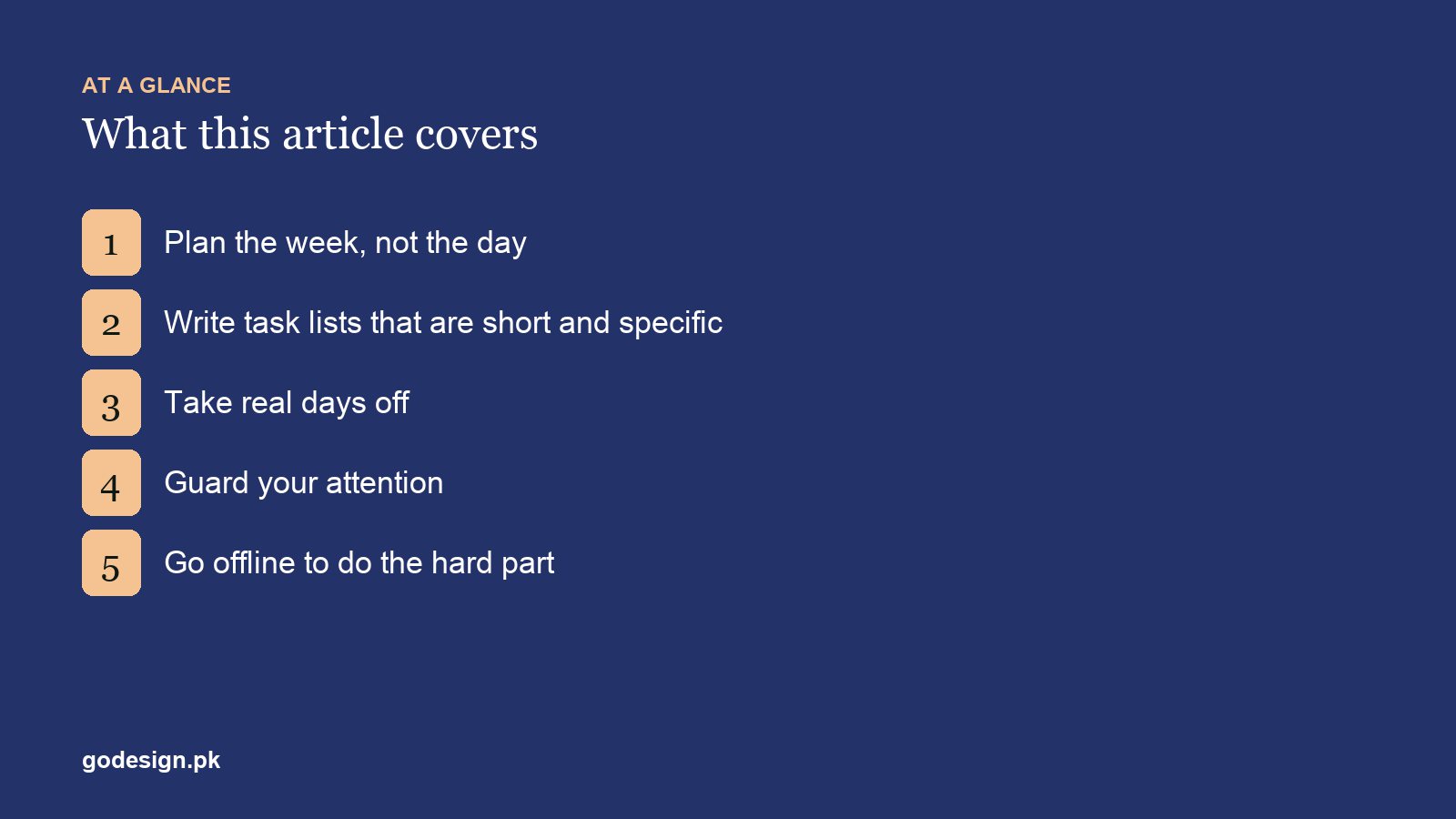
1. Plan the week around every deadline
Plan once a week, not every morning. On Sunday evening or Monday morning, put every live deadline on one calendar, then block time backwards from each one. A logo due Thursday needs concepts by Tuesday; a website due Friday needs content from the client by Wednesday, which means asking for it today. Days planned one at a time fill up with whatever is loudest. A week planned in one sitting can absorb a surprise without falling over.
- 01List every project with its next deliverable and the date it is due.
- 02Write down what you need from each client to hit that date (content, logins, feedback) and ask for it now.
- 03Give each client fixed blocks in the week, so you are not switching between five projects every hour.
- 04Leave one block free for fixes and surprises, and one for finding new work.
- 05On Friday, check what moved and why. That is your data for quoting the next project.
2. Quote deadlines with a buffer, in writing
Most missed deadlines are set badly, not worked badly. Freelancers quote the date they could hit if everything went right, then lose a day to client feedback, a day to a revision and an afternoon to a power cut. Estimate the work, add a buffer of a day or two for anything over a week, and put the date in writing with the conditions attached: "Homepage design by 14 March, provided the copy and logo arrive by 10 March."
That one sentence protects you more than any app. When the client's content is late, the date moves with it, and nobody is surprised. On Upwork, Fiverr and Freelancer.com, set milestone dates you can keep rather than the shortest ones the client asks for; a late delivery hurts your profile more than a slightly longer quote.
3. Keep task lists short and specific
"Work on the Ahmed site" is not a task. "Build the pricing section from the Figma file" is. Write three to five specific tasks for tomorrow before you stop work today, and put the hardest one first. Anything that will take more than half a day is really two tasks. A short list you finish is better for your head, and for your estimates, than a long list you carry from day to day.
4. Protect focus time and go offline
Design, writing and debugging need long, unbroken stretches. Turn notifications off during work blocks and check email, WhatsApp and platform messages at fixed times, three or four a day, and tell clients that is how you work. Most "urgent" messages are urgent to the sender only. The real exception is a live site that is down, so give your retainer clients one channel for genuine emergencies and keep everything else to the schedule.
Offline is the new luxury for a reason. For the hardest work, disconnect for 90 minutes, do it, then reconnect. If the job needs the internet, a site blocker such as Freedom or Cold Turkey, or your phone's Focus mode, keeps the rest out. The Pomodoro technique (25 minutes of work, a five-minute break) helps on days when starting is the problem.
5. Take a real day off
Freelancers who never stop get slower every week and rarely notice. One full day a week with no client messages, stated in your proposals and your auto-reply, keeps the other days productive. Clients respect limits they are told about at the start; they resent the ones they discover later. Put your working days and hours on your Upwork or Fiverr profile and in your first message on a new project.
What to do when two deadlines clash
It will happen: a revision round runs long on one project just as another client's launch date arrives. Crisis management for a freelancer is mostly about speed of honesty.
- 01Work out which deadline is real. A launch with paid ads booked is fixed; an internal review often is not.
- 02Tell the client whose date will move as soon as you know, not on the day. Offer a specific new date and what they will get by the original one.
- 03Cut scope before you cut quality: deliver the homepage and contact page now, the blog templates on the new date.
- 04If clashes keep happening, you are taking on too much. Raise your rates or bring in a subcontractor before the next project, not during it.
Clients forgive a warning far more easily than a surprise. If you are in a run of bad weeks, our post on what to do when freelancing is going badly covers the bigger fixes.
Tools that help freelancers manage time
| Job | Tools | Notes |
|---|---|---|
| Weekly plan and deadlines | Google Calendar, Notion, Trello | One calendar for every client; colour by project |
| Task lists | Todoist, Notion, or paper | Three to five tasks a day is the whole system |
| Time tracking | Toggl Track, Clockify, Upwork's time tracker | Clockify and Toggl have free plans; hourly Upwork contracts use Upwork's own app |
| Focus | Freedom, Cold Turkey, phone Focus modes | Block distracting sites during work blocks |
| Client updates | Email templates, Loom | A short weekly update saves a dozen "any news?" messages |
Freelancing is one way to work; it is not the only one. If you are weighing it against a salaried role, read our honest comparison of freelancing and a permanent job, and if you are still learning the skills, the free DigiSkills courses include freelancing basics.
Common questions
- How many hours a day should a freelancer work?
- Four to five hours of focused, billable work is a strong day for most freelancers. The rest goes to messages, admin and finding work. If you are billing eight hours a day every day, check your time records, because that pace rarely lasts.
- What is the best time-tracking tool for freelancers?
- The one you will actually use. Toggl Track and Clockify both have free plans and work on desktop and phone, and hourly Upwork contracts use Upwork's own time tracker. A spreadsheet works too, as long as you fill it in.
- How do I handle clients who expect instant replies?
- Set the expectation in the first week: your working hours, when you check messages, and the channel for real emergencies. Then stick to it. Clients adjust to whatever pattern you show them.
- What should I do if I am going to miss a deadline?
- Tell the client as soon as you know, not on the day it is due. Give a specific new date, explain briefly why, and offer part of the work by the original date if you can. A warning keeps trust; a silent miss loses it.
- How do freelancers in Pakistan manage time zones with foreign clients?
- Agree one or two overlap hours a day for calls and quick questions, and do focused work in your own morning while clients are asleep. Put the time zone next to every date you quote, so "Friday" means the same thing to both of you.
- How much buffer should I add to a freelance deadline?
- A day or two on anything that takes more than a week, and more when you depend on the client for content or feedback. Write the dependency into the quote, so the date moves if their part arrives late.