What are the best graphic design YouTube channels?
The best graphic design YouTube channel is the one that matches the skill you need next. A beginner learning Illustrator needs a different channel from a freelancer trying to price a brand identity. We checked all ten channels below in October 2026: every one is live and has a large back catalogue, and most still upload regularly.
| Channel | Best for | Level |
|---|---|---|
| The Futur | Pricing, clients, running a creative business | Freelancers and studio owners |
| Flux Academy | Web design as a career, Webflow, Framer | Beginner to intermediate |
| Will Paterson | Logo design process | Beginner to intermediate |
| Satori Graphics | Logo critique, design theory, Illustrator | All levels |
| DesignCourse | UI design and front-end | Intermediate |
| Mizko | Figma, design systems, product design careers | Intermediate |
| Charli Marie | Working life as a designer | All levels |
| Pixel & Bracket | Illustrator and Photoshop technique | Beginner to intermediate |
| Gareth David Studio | Structured graphic design courses | Beginner |
| Yes I'm a Designer | Adobe software from basics to advanced | All levels |
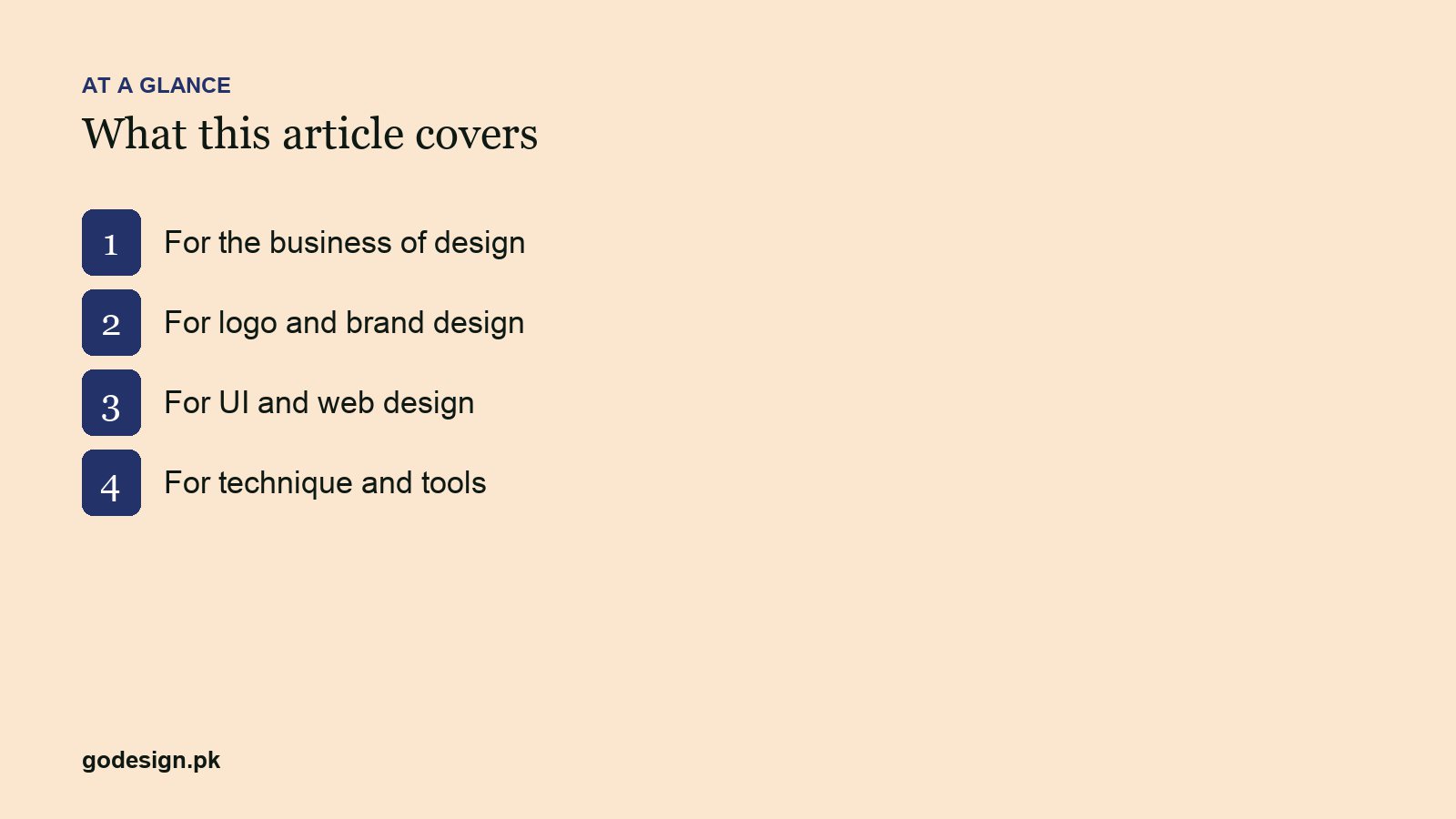
Design channels for the business of design
1. The Futur
Chris Do's channel is about the part of design school that design school leaves out: pricing, proposals, client conversations and running a creative business. The role-played sales calls are worth watching before your first big quote, because they show how a professional handles the moment a client asks for a discount. There is design critique and typography content too, but the business videos are what the channel is known for.
2. Flux Academy
Flux Academy's channel treats web design as a job: finding clients, structuring a project, designing in Figma and building in Webflow or Framer. The videos are practical and open about money, which is rare. It is the YouTube side of a paid course business, so expect the occasional pitch, but the free videos stand on their own.
YouTube channels for logo and brand design
3. Will Paterson
Will Paterson walks through logo design from sketch to finished vector and explains why each decision is made: why a curve was simplified, why one concept was dropped. He uploads less often than he used to, but the back catalogue is one of the best free logo design courses on YouTube.
4. Satori Graphics
Satori Graphics uploads several times a week: logo critiques, design theory, Illustrator technique and commentary on what is changing in the industry. The videos are short and dense. Watch the logo critiques with a pause button; trying to spot the problem before it is explained is good practice.
Both channels pair well with our own guides to what a good brand logo needs and logo shapes and what they suggest.
Design channels for UI and web design
5. DesignCourse
Gary Simon's DesignCourse covers UI design and the front-end code behind it. The full redesign walkthroughs are the best videos: he takes a weak interface, explains what is wrong and rebuilds it, so you see the reasoning rather than only the result.
6. Mizko
Mizko focuses on Figma workflows, design systems and careers in product design. The production is polished and the content is current, which matters for Figma, a tool that changes every few months. It suits designers who want to work on apps and software products rather than print.
7. Charli Marie
Charli Marie talks about life as a working designer: process, career decisions, remote work, side projects. There is less step-by-step technique here and more perspective, which is what you need once the software is no longer the hard part.
YouTube channels for design software technique
8. Pixel & Bracket
Pixel & Bracket explains Illustrator and Photoshop technique step by step, with a lot of logo, illustration and print work. The tutorials are calm and easy to follow with the software open beside them.
9. Gareth David Studio
Gareth David Studio is the closest thing on YouTube to a structured graphic design course. Its playlists work through InDesign, Illustrator and Photoshop and through design principles such as layout, grids and typography, in order. If you are teaching yourself from zero, start here and follow a playlist from the first video.
10. Yes I'm a Designer
Martin Perhiniak's channel covers Adobe software from beginner fundamentals to advanced technique, including the newer AI features inside Photoshop and Illustrator. It is the most complete free Adobe library on the platform, and the videos are organised well enough to use as a reference when you get stuck.
Every Tuesday, Teela Cunningham's lettering and Procreate channel from earlier versions of this list, has not uploaded for about a year. Its back catalogue is still worth a look if hand-lettering is your direction.
Which design channel should a beginner start with?
- Learning the software from zero: Gareth David Studio, then Yes I'm a Designer as your reference.
- Interested in logos and branding: Will Paterson, then Satori Graphics for critique.
- Interested in apps and websites: DesignCourse, then Mizko once you are comfortable in Figma.
- Starting to freelance: The Futur, before you send your first proposal.
If you also want written courses with exercises and certificates, our list of web design tutorials and courses covers freeCodeCamp, MDN, web.dev and Figma Learn.
How to learn graphic design from YouTube
Watching design videos feels like learning. Mostly it is not. What turns YouTube into a design school is doing the work alongside the video:
- 01Open the software before you press play, and follow along step by step.
- 02Pause before the presenter reveals a decision, and make your own call first.
- 03Finish one piece per video: a logo, a poster, a screen. Unfinished exercises teach very little.
- 04Change the brief slightly so you are not copying: a different business name, a different colour, a different format.
- 05Post the result somewhere you will get honest critique, from a design community, a mentor or a working designer.
- 06Limit yourself to one channel per skill until that skill is solid. Five channels on the same topic is procrastination.
Watching design YouTube in 2026
Most of these channels now cover AI tools, from generative fill in Photoshop to Figma's AI features and image models used in brand work. Those videos date quickly. Prefer the ones that show a complete project with the tool inside it over the ones that only demo a feature, and be wary of thumbnails that promise a logo in thirty seconds. The fundamentals videos, on spacing, hierarchy, type and colour, will still be useful in five years.
Common questions
- Which is the best graphic design YouTube channel?
- It depends on the skill you need. Gareth David Studio is the best structured start for beginners, Will Paterson and Satori Graphics are best for logos, DesignCourse and Mizko for UI, and The Futur for pricing and clients.
- Can you learn graphic design from YouTube alone?
- You can learn the software and much of the technique. Judgement comes from real projects and critique, which YouTube cannot give, so combine the channels with self-initiated work and feedback from working designers.
- Which design channel is best for beginners?
- Gareth David Studio, because its playlists work like a course, in order, from the basics. Add Yes I'm a Designer as an Adobe reference and The Futur once you start charging clients.
- What is the best YouTube channel for logo design?
- Will Paterson for the process from sketch to vector, and Satori Graphics for critique and theory. Watch with your own sketchbook open and redesign the example for a different business.
- Are there good design YouTube channels in Urdu?
- Several Pakistani creators teach graphic design and freelancing in Urdu and Hindi, and they are useful for local context such as getting paid from abroad. The quality varies more than in this list, so use them alongside the channels above for technique.
- Are design YouTube channels free?
- Yes, every channel in this list is free to watch. Some, such as Flux Academy and The Futur, also sell paid courses, and the free videos are useful without them.