What are AI tools for designers?
AI tools for designers are programs that use machine learning to do a design task from a prompt or an image: generate a picture, draft a screen, remove a background, sharpen a low-resolution logo or suggest a palette. Some are standalone websites; more and more are built into the software designers already use, such as Photoshop, Illustrator, Figma and Canva.
The list below is organised by job rather than by hype. For each one we name one to three products that work in 2026 and say what they are good and bad at. The 2021 version of this post listed tools that have since closed or been absorbed into bigger products, which is a fair warning about how fast this space moves.
AI design tools at a glance
| Job | Tools to try | Best for | Watch for |
|---|---|---|---|
| Image generation | Midjourney, Adobe Firefly, Ideogram | Concepts, mood boards, illustration | Licence terms; fake-looking people and products |
| Vector generation | Illustrator Text to Vector Graphic, Recraft | Icon sets, spot illustrations | Messy paths that need cleaning |
| UI drafts | Figma Make, Google Stitch, Uizard | First drafts of screens and flows | Generic layouts |
| Design to code | Anima, v0 | Prototypes, quick front ends | Accessibility and maintainability |
| Upscaling | Let's Enhance, Topaz Gigapixel | Low-resolution client images | Invented detail |
| Background removal | remove.bg, Photoshop, Canva | Product photos, cut-outs | Hair, glass, transparency |
| Colour palettes | Khroma, Huemint | Exploring palette options | Contrast and brand fit |
| Attention prediction | Attention Insight | Checking visual hierarchy | It predicts, it does not test |
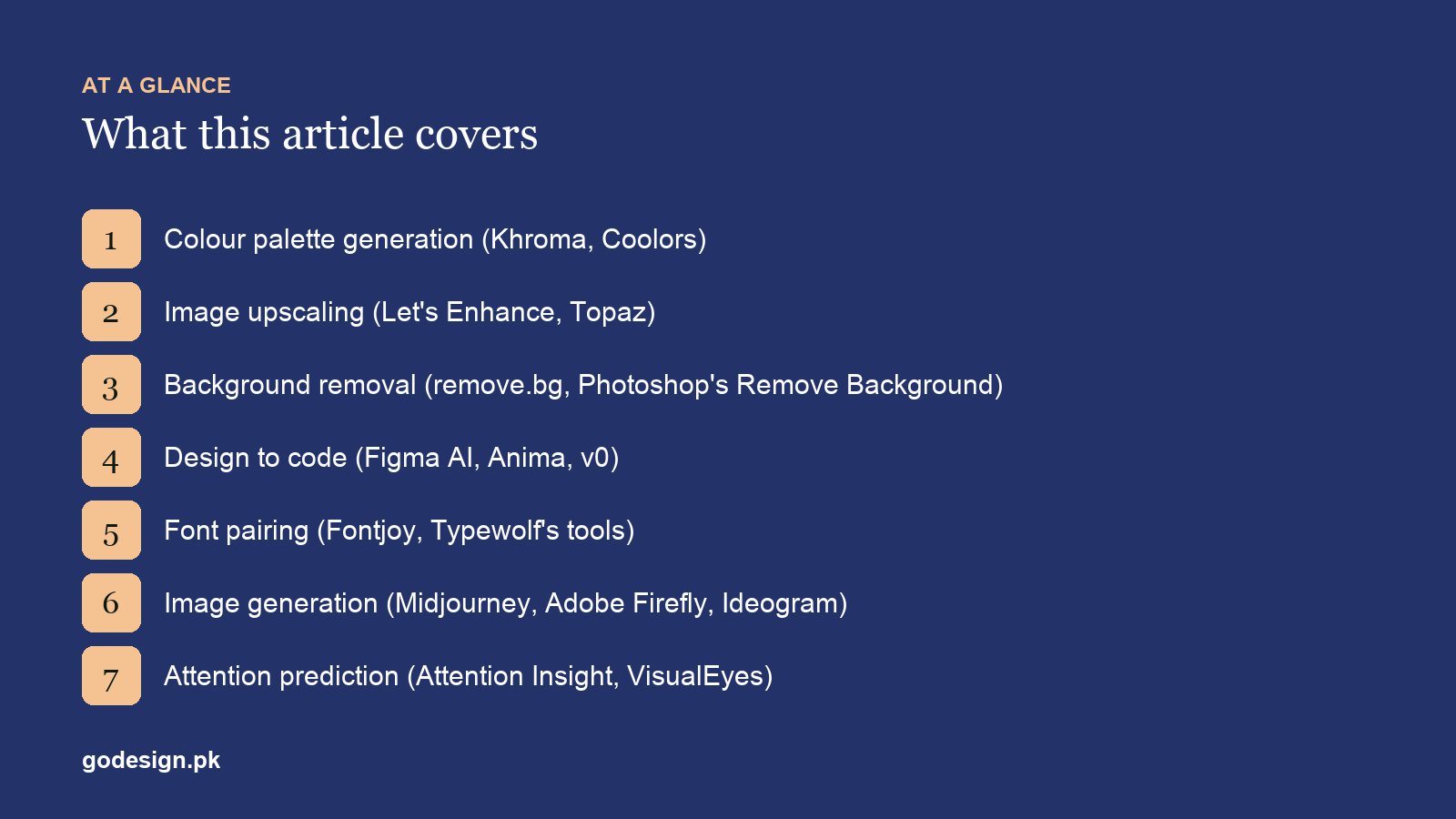
The 8 AI tools designers use
1. Image generation: Midjourney, Adobe Firefly, Ideogram
Text-to-image models are now standard for concept art, mood boards, backgrounds and placeholder imagery. Midjourney is known for its look and is popular for mood boards. Adobe Firefly is built into Photoshop and Illustrator, and Adobe positions its own Firefly models as safe for commercial use because of how they were trained; the Firefly app also offers partner models from other companies, which come with their own terms. Ideogram is the one to try when the image needs readable text, such as a poster or a sign.
2. Vector generation: Illustrator and Recraft
Illustrator's Text to Vector Graphic produces editable vector scenes, icons and patterns from a prompt. Recraft generates images and vector graphics in a consistent style, which suits icon sets and brand illustration. Both save time on a first draft. Neither produces a logo you should hand to a client unedited: paths are often messy, and a generated mark is hard to protect as original work.
3. UI drafts: Figma Make, Google Stitch, Uizard
Describe a screen and get a working draft. Figma Make turns prompts into interactive prototypes inside Figma. Google Stitch, which grew out of Galileo AI, generates mobile and web UI from text or a sketch. Uizard, now part of Miro, is aimed at non-designers who need a mock-up quickly. These are good for exploring options before a workshop; the output tends to look like every other generated app until a designer works on it.
4. Design to code: Anima and v0
Anima converts Figma designs, URLs or prompts into front-end code, and v0 by Vercel builds web apps from a prompt. Both are fine for prototypes and internal tools. For a client's live website, code written or reviewed by a developer is still cleaner, more accessible and easier to maintain three years later. Our web design and development team uses these for speed, not as the final build.
5. Upscaling: Let's Enhance and Topaz Gigapixel
Every designer has received a 300-pixel logo pulled from a client's Facebook page. AI upscalers turn low-resolution photos and graphics into something usable for print or a large screen. They cannot recover detail that was never there; they guess it, so faces, text and fine patterns can come out wrong. Check the result at 100% before it goes anywhere. For logos, redrawing as a vector is still the proper fix.
6. Background removal: remove.bg, Photoshop, Canva
Cutting out a product used to take minutes per photo; now it takes seconds. remove.bg does it in the browser and through an API for large catalogues, Photoshop's Remove Background works inside your layers, and Canva's background remover suits marketing teams. Hair, glass and semi-transparent objects still need a manual pass. For ecommerce catalogues this is often the AI tool that saves the most hours.
7. Colour palettes: Khroma and Huemint
Khroma learns from colours you pick and then generates palettes in that taste. Huemint generates palettes and shows them applied to a sample website, logo or illustration, so you judge colours in use rather than as swatches. Both are good for getting unstuck. Neither knows your audience or market, and you still need to check text contrast against WCAG's 4.5:1 minimum. Our list of online colour tools covers the non-AI options too.
8. Attention prediction: Attention Insight
Attention Insight predicts where people will look on a design and produces a heatmap, without an eye-tracking study. It is a useful check on hierarchy before launch: if the heatmap shows attention on a decorative image instead of the call to action, something needs to change. It is a prediction, so it does not replace watching five real users try the page.
How we use AI tools on client projects
On our projects in Islamabad, AI tools sit at the start and the end of the work, rarely in the middle. At the start, image models and UI generators help us explore directions quickly before a client workshop. At the end, background removal, upscaling and resizing take the repetitive production work off a designer's desk. The middle (the concept, the logo, the layout decisions) is still done by a person, because that is what the client is paying for and what has to be defended in a review. Figma's 2026 updates, which added an AI agent, AI image tools and animation inside the canvas, have reduced the number of separate tools we open, and our guide to graphic design software covers those built-in features.
Is AI-generated design safe to use commercially?
It depends on the tool's terms and on what you make with it. Read the licence of the plan you are on, since some tools restrict commercial use on free plans. Prefer tools that are clear about their training data when the work is for a client. Do not use generated images to show products, staff or premises a client does not actually have; that is misleading advertising, not design. And be careful with logos: a generated mark may resemble existing trademarks, and copyright protection for purely AI-generated work is limited or unclear in many countries. Our guide to checking whether a design has been copied helps here.
Which AI design tool should you learn first?
- 01The AI already in your main tool: Generative Fill in Photoshop, Text to Vector in Illustrator, or Figma's AI features. No new subscription, and it fits your workflow.
- 02Background removal and upscaling: they solve problems on almost every client project.
- 03One image model: Firefly if you work in Adobe apps and want clear commercial terms, Midjourney for mood boards.
- 04One UI generator, if you design screens: Figma Make if your team is already in Figma.
What AI does not replace
Understanding a client's customers, choosing what to leave out, and taking responsibility for the result. AI tools produce options quickly, and the volume of options has gone up. The value of someone who can say which one is right, and why, has gone up with it.
Sources
- Figma: Everything announced at Config 2026 (forum.figma.com), June 2026.
- W3C: WCAG 2.2, Success Criterion 1.4.3 Contrast (Minimum), 4.5:1 for normal text (w3.org).
- Each tool's own website, checked live in October 2026. Products in this category change monthly; treat names as examples of a type.
Common questions
- What are the best AI tools for designers?
- It depends on the job: Midjourney, Adobe Firefly or Ideogram for images, Figma Make or Google Stitch for UI drafts, remove.bg for cut-outs, Let's Enhance or Topaz for upscaling, and Khroma or Huemint for palettes. Start with the AI features already built into Photoshop, Illustrator or Figma.
- Will AI replace graphic designers?
- It has replaced some production tasks, such as background removal and resizing, and it speeds up exploration. The work of understanding a business and deciding what its brand should communicate has not been automated, and that is the part clients pay for.
- Is it safe to use AI-generated images commercially?
- It depends on the tool's licence and your plan. Adobe positions its own Firefly models as safe for commercial use; other tools vary. Never use generated images to depict real products, staff or premises the client does not have.
- Can AI design a logo?
- AI can produce logo-like images quickly, but they are rarely clean vectors, may resemble existing marks and can be hard to protect as original work. They are useful for exploring ideas before a designer draws the real logo.
- Which AI tool should a beginner designer learn first?
- The AI features in the software you already use, such as Generative Fill in Photoshop or Figma's AI tools. Then background removal and upscaling, because they solve problems on nearly every client project.
- Are there free AI design tools?
- Most of the tools listed have free tiers or trials, including remove.bg, Let's Enhance, Khroma, Huemint and Google Stitch. Free plans usually limit resolution, credits or commercial use, so read the terms before client work.