Where can you find free icons?
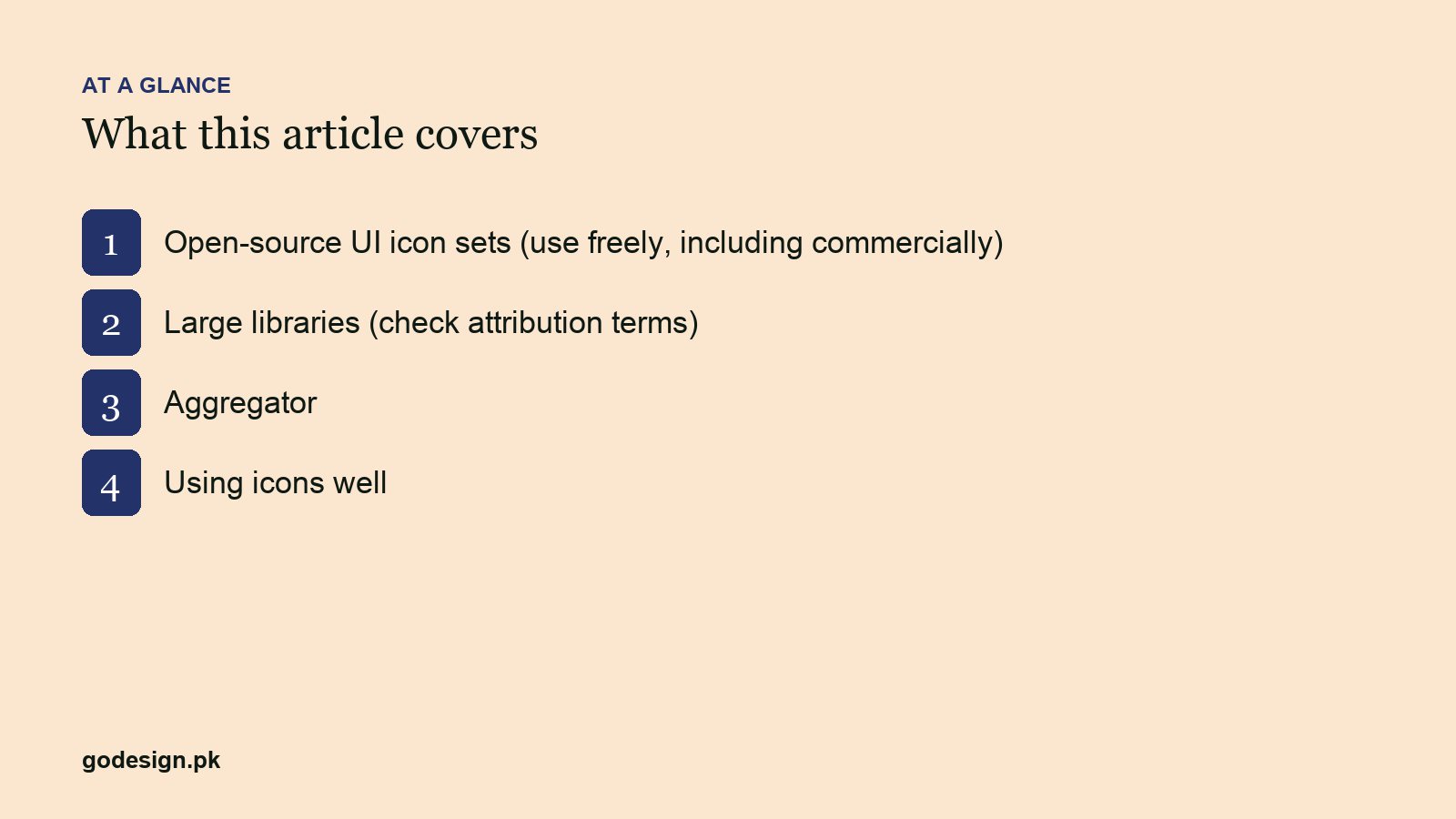
Free icons come from two kinds of source. Open-source icon sets are made by one team in one style and released under licences such as MIT, ISC or Apache 2.0, which allow commercial use without crediting anyone. Large icon libraries collect icons from many designers in many styles; they are free to download, but the free licence usually requires you to credit the source on your site or app, and a paid plan removes that requirement.
For a website or app interface, start with an open-source set. For a one-off illustrative icon in a presentation or a social post, the big libraries have more variety. Either way, read the licence before you ship, because "free to download" and "free to use without credit" are different things.
Free icon sites compared
| Source | Style | Licence | Credit needed? |
|---|---|---|---|
| Lucide | Outline, 24px | ISC | No |
| Heroicons | Outline, solid, mini, micro | MIT | No |
| Phosphor | Six weights, thin to duotone | MIT | No |
| Tabler Icons | Outline and filled | MIT | No |
| Material Symbols | Variable: weight, fill, grade, size | Apache 2.0 | No |
| Font Awesome Free | Solid, regular, brands | CC BY 4.0 (icons), SIL OFL (fonts), MIT (code) | Yes, kept in the files |
| Flaticon | Many styles and colours | Flaticon licence | Yes on free plan |
| Icons8 | Many styles, 3D, animated | Icons8 licence | Yes: a link on free plan |
| Noun Project | Mostly simple glyphs | CC BY 3.0 or paid royalty-free | Yes unless you pay |
| Iconify | Search across open sets | Depends on each set | Depends on each set |
Open-source icon sets you can use commercially
These five are free for commercial websites and apps, need no visible credit, and come as SVG files plus packages for React, Vue and other frameworks. The licence text should stay in your code bundle, which the packages handle for you.
1. Lucide
Clean outline icons on a 24px grid with a consistent stroke, and more than 1,900 of them as of October 2026. Lucide started as a community fork of Feather Icons and is now widely used, with official packages for most frameworks. It is our usual first choice for web interfaces. Licence: ISC.
2. Heroicons
Made by the team behind Tailwind CSS. A smaller set, 316 icons, but each comes in four styles: outline and solid at 24px, mini at 20px and micro at 16px. That makes it easy to use the right weight at small sizes. It fits Tailwind projects naturally, and a Figma file is available. Licence: MIT.
3. Phosphor
Phosphor's strength is range: every icon comes in six weights (thin, light, regular, bold, fill and duotone). Use it when a product needs a light style for navigation and a heavier style for emphasis without mixing sets. Licence: MIT.
4. Tabler Icons
One of the largest single-style sets: 6,257 icons at the time of writing, drawn on a 24x24 grid with a 2px stroke, in outline and filled versions. The size means you rarely run out of icons for dashboards and admin panels. Licence: MIT.
5. Google Material Symbols
Google's current icon set, with over 2,500 glyphs delivered as a variable font, so you can adjust weight, fill, grade and optical size in CSS. It comes in outlined, rounded and sharp styles, and it is the natural choice for Android apps and any interface following Material Design. The older Material Icons set is no longer updated. Licence: Apache 2.0.
Large icon libraries with attribution rules
6. Font Awesome Free
The best-known icon library on the web, with free solid, regular and brand icons. The free icons are licensed CC BY 4.0, the fonts SIL OFL 1.1 and the code MIT. Attribution is required, but Font Awesome says the comments already inside its files satisfy it, so normal use needs nothing extra on the page. Pro icons and styles need a paid licence.
7. Flaticon
Millions of icons in every style, including coloured and illustrative ones you will not find in open-source sets. Free plan users must credit the author and Flaticon; paid plans remove the attribution requirement. Flaticon belongs to the company formerly called Freepik, which renamed itself Magnific in 2026, and the company's licence documentation says its resources cannot be used in logos or trademarks. Save the licence PDF for anything you download on a paid plan.
8. Icons8
Many styles, including 3D, hand-drawn and animated icons, plus a desktop app and plugins. Icons8 says its icons are free for personal and commercial use if you add a link to Icons8; the free tier also limits sizes and file formats. A paid plan removes the link and the limits.
9. Noun Project
A large library of simple, mostly black glyphs from designers around the world, good for presentations, infographics and signage. Icons are free under Creative Commons Attribution (CC BY 3.0) if you credit the icon's creator, or you can pay for a royalty-free licence and skip the credit. Some icons are public domain.
One search for every open set: Iconify
10. Iconify
Iconify is not an icon set but a search engine and toolkit across open-source sets, with over 300,000 icons including Lucide, Tabler, Material Symbols, Bootstrap Icons and Remix Icon. It has a Figma plugin, framework components and an API. Use it when you need one icon your main set lacks and want to find a match in a similar style. The licence is that of the set the icon comes from, which Iconify shows on each set's page.
How to check an icon licence before you use it
- 01Find the licence on the source's own site or code repository, not on a third-party download page.
- 02Check whether commercial use is allowed. For the open-source sets above, it is.
- 03Check whether credit is required, and where it must appear (in the code, on the page, or in an app's about screen).
- 04Check restrictions: use in logos or trademarks, resale as icons, or inclusion in templates you sell.
- 05Keep a record: the source, the licence and the date you downloaded, especially for paid downloads.
How to use free icons well on a website
- 01Use one set per project. Mixing sets is the most common icon mistake, and the different stroke weights and corner styles always show.
- 02Match the icon's stroke weight to the weight of your body text.
- 03Size icons on your spacing scale (16, 20 or 24px) and keep them aligned to the pixel grid so they stay sharp.
- 04Use SVG, inline or as a sprite, rather than icon fonts: it renders crisply, can be styled per icon and does not fail when a font does not load.
- 05Give icons that carry meaning a text label or an accessible name. An icon on its own is a guess for many users and invisible to screen readers.
For product icons or a brand icon system, drawing a custom set is often worth it. Our guide to icon design rules covers grids, stroke and testing at small sizes, and the UI design mistakes post shows where icons commonly go wrong.
Can you use a free icon in your logo?
Usually not, and you should not want to. Several large libraries forbid using their icons in logos or trademarks, and even where an open-source licence allows it, anyone else can use the same icon, so you cannot claim it as your own mark. A logo built on a stock icon is also the fastest route to looking like other businesses. Our post on generic logo designs to avoid explains why, and a designer can draw an original symbol for you.
Sources
- Lucide: ISC licence (github.com/lucide-icons/lucide); icon count from lucide.dev, October 2026.
- Heroicons: MIT licence, 316 icons in outline, solid, mini and micro styles (heroicons.com, github.com/tailwindlabs/heroicons).
- Phosphor Icons: MIT licence, six weights (github.com/phosphor-icons/core).
- Tabler Icons: MIT licence, 6,257 icons on a 24x24 grid with a 2px stroke (tabler.io/icons), October 2026.
- Google Material Symbols: Apache 2.0 licence (github.com/google/material-design-icons); 2,500+ glyphs (fonts.google.com/icons).
- Font Awesome Free: icons CC BY 4.0, fonts SIL OFL 1.1, code MIT (Font Awesome LICENSE.txt and fontawesome.com/license/free).
- Flaticon: free and Essential users must attribute; Premium, Premium+ and Pro do not (Magnific/Freepik licences and attribution docs).
- Icons8: free use for personal or commercial work with a link to Icons8; paid plans remove the link (icons8.com licence and community FAQ).
- Noun Project: icons under CC BY 3.0 with attribution, or a paid royalty-free licence without it (thenounproject.com/legal).
- Iconify: over 300,000 open-source vector icons (iconify.design), October 2026.
Common questions
- Can I use free icons in a commercial website?
- Yes, with the right licence. Open-source sets such as Lucide, Heroicons, Phosphor, Tabler and Material Symbols allow commercial use with no visible credit. Free plans on Flaticon, Icons8 and Noun Project also allow commercial use but require attribution unless you pay.
- Which free icon set is best for a website?
- Lucide or Heroicons for most sites: consistent, light, well maintained and easy to use in code. Phosphor if you need several weights, Tabler if you need a very large set, and Material Symbols for Android or Material Design interfaces.
- Do I need to credit Font Awesome Free icons?
- The CC BY 4.0 licence requires attribution, but Font Awesome states that the comments already embedded in its free files are enough. If you use the files normally and leave those comments in place, you do not need to add a credit to the page.
- How do I credit an icon from Flaticon or Noun Project?
- Follow the attribution text the site gives you when you download, which names the creator and the source, and place it where the licence says, such as the website footer or credits page. A paid plan or royalty-free licence removes the requirement.
- Should I use icon fonts or SVG icons?
- SVG. It renders sharply at any size, can be coloured and animated per icon, and does not fail when a web font does not load. Icon fonts were common a decade ago; inline or sprite SVG is the standard now.
- Can I use a free icon in my logo?
- Usually not. Several libraries forbid logo and trademark use, and an icon anyone can download cannot become your exclusive mark. Have an original symbol drawn instead.